33+ PDF Tools in One Place
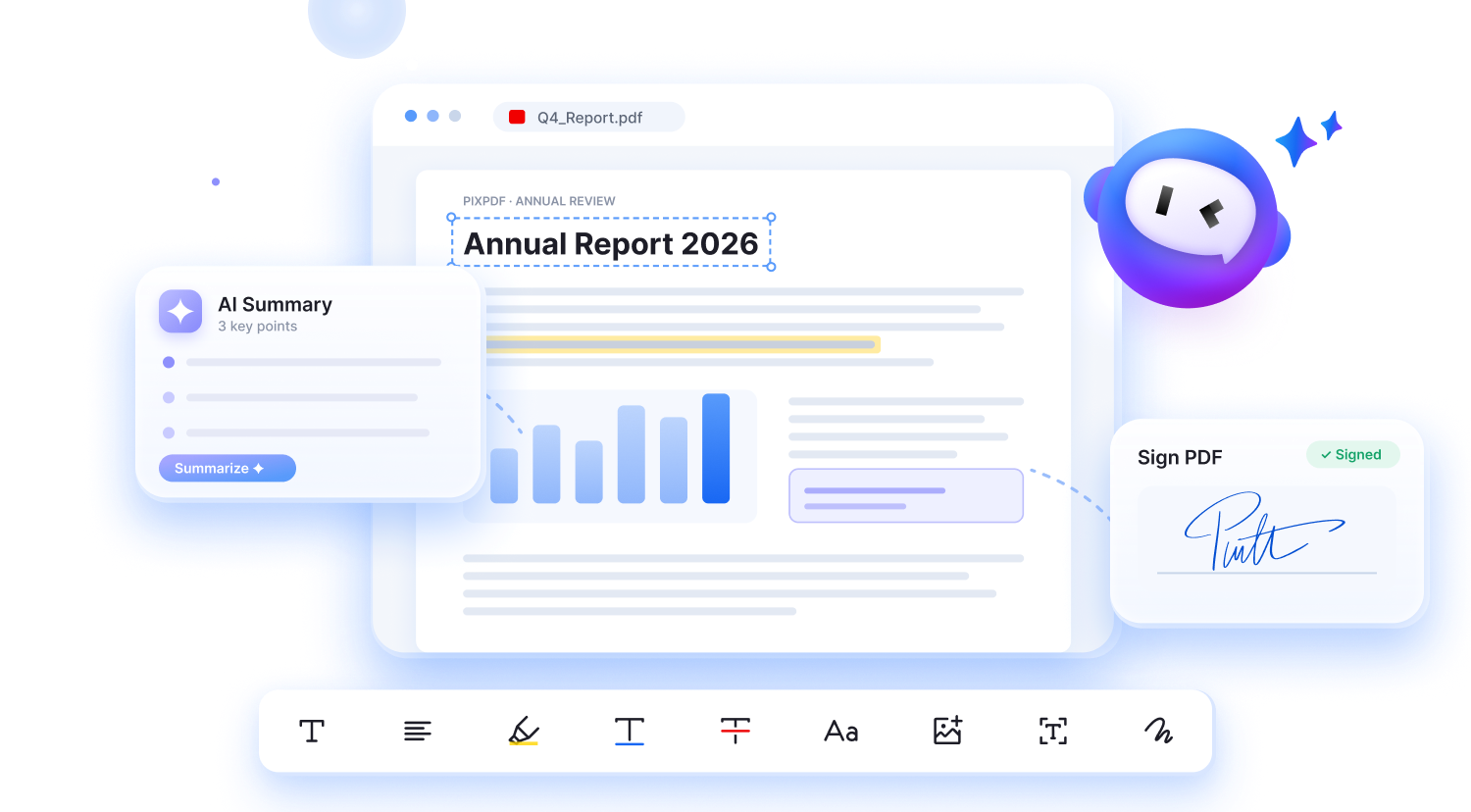
Access 33+ PDF tools in one simple interface, from PDF conversion and editing to document management. Save time switching between tools and keep your workflow smooth and productive.
Paste HTML, print to PDF, done — all inside your browser.
Drop a .html file onto this page or paste the code, then choose “Save as PDF” in the print dialog.
Drop your markup into the editor — a full page, a snippet, or a styled section.
Click the button to open the print dialog, then choose “Save as PDF”.
Your browser writes the PDF directly — nothing is uploaded anywhere.
Access 33+ PDF tools in one simple interface, from PDF conversion and editing to document management. Save time switching between tools and keep your workflow smooth and productive.
Complete your PDF tasks in just 3–4 simple steps with PixPDF online — no download or setup needed. Convert and edit files quickly while preserving their original content and layout.
Enjoy a consistent PDF experience across 4 platforms: desktop, tablet, mobile web, and the PixPDF app. Get help from our support team whenever you need guidance with your documents.
Your files are protected with encrypted transfers throughout processing. We don't store them permanently, helping keep your documents private even after your task is complete.

Every tool I need to handle employee documents is right here

All essential PDF tools, right at your fingertips and effortless to use

Compress, manage records, and send—all in one smooth workflow. Absolutely love it!

Really handy for my teaching PDFs on my computer and highlight everything I need before my classes

I can read and summarize multiple reports in a single day. Fast and effortless

I use it to turn bills into PDFs. Super quick and easy
Every tool I need to handle employee documents is right here
All essential PDF tools, right at your fingertips and effortless to use
Compress, manage records, and send—all in one smooth workflow. Absolutely love it!
Really handy for my teaching PDFs on my computer and highlight everything I need before my classes
I can read and summarize multiple reports in a single day. Fast and effortless
I use it to turn bills into PDFs. Super quick and easy
Join 1.13M+ users worldwide making everyday PDF tasks easier and staying productive with PixPDF.
Join 1.13M+ users worldwide making everyday PDF tasks easier and staying productive with PixPDF.
Common questions about PixPDF, files, and support.
Still have a question?
Contact support