Blog
Discover the latest PDF tips and guides.
More Articles
How to Split a PDF Into Separate Files
Pull one chapter, one invoice or one page out of a big PDF — by range, by size, or page by page.
How to Convert a PDF to Word Without Breaking the Layout
Edit a PDF's text by turning it back into an editable Word document — fonts, tables and columns intact.
How to Convert Images to PDF on Any Device
Turn photos, screenshots and scans into a single PDF on desktop or mobile — no software to install.
How to Merge PDF Files Into One Document
Combine multiple PDFs into a single, correctly-ordered file — free, private, and in your browser.
How to Reduce PDF File Size Without Losing What Matters
Email limits, upload caps and storage are real — here's how compression actually works and which level to pick.
Updates
PixPDF news, product updates and new guides.
- 2026-09-293 min readSplit PDFExtract Pages
How to Split a PDF Into Separate Files
Pull one chapter, one invoice or one page out of a big PDF — by range, by size, or page by page.
Read more - 2026-09-224 min readPDF to WordWord to PDF
How to Convert a PDF to Word Without Breaking the Layout
Edit a PDF's text by turning it back into an editable Word document — fonts, tables and columns intact.
Read more - 2026-09-154 min readImage to PDFScan to PDF
How to Convert Images to PDF on Any Device
Turn photos, screenshots and scans into a single PDF on desktop or mobile — no software to install.
Read more

Frequently asked questions
Common questions about PixPDF, files, and support.
Still have a question?
Contact supportAbout PixPDF
Files & PDF tools
Devices & Support
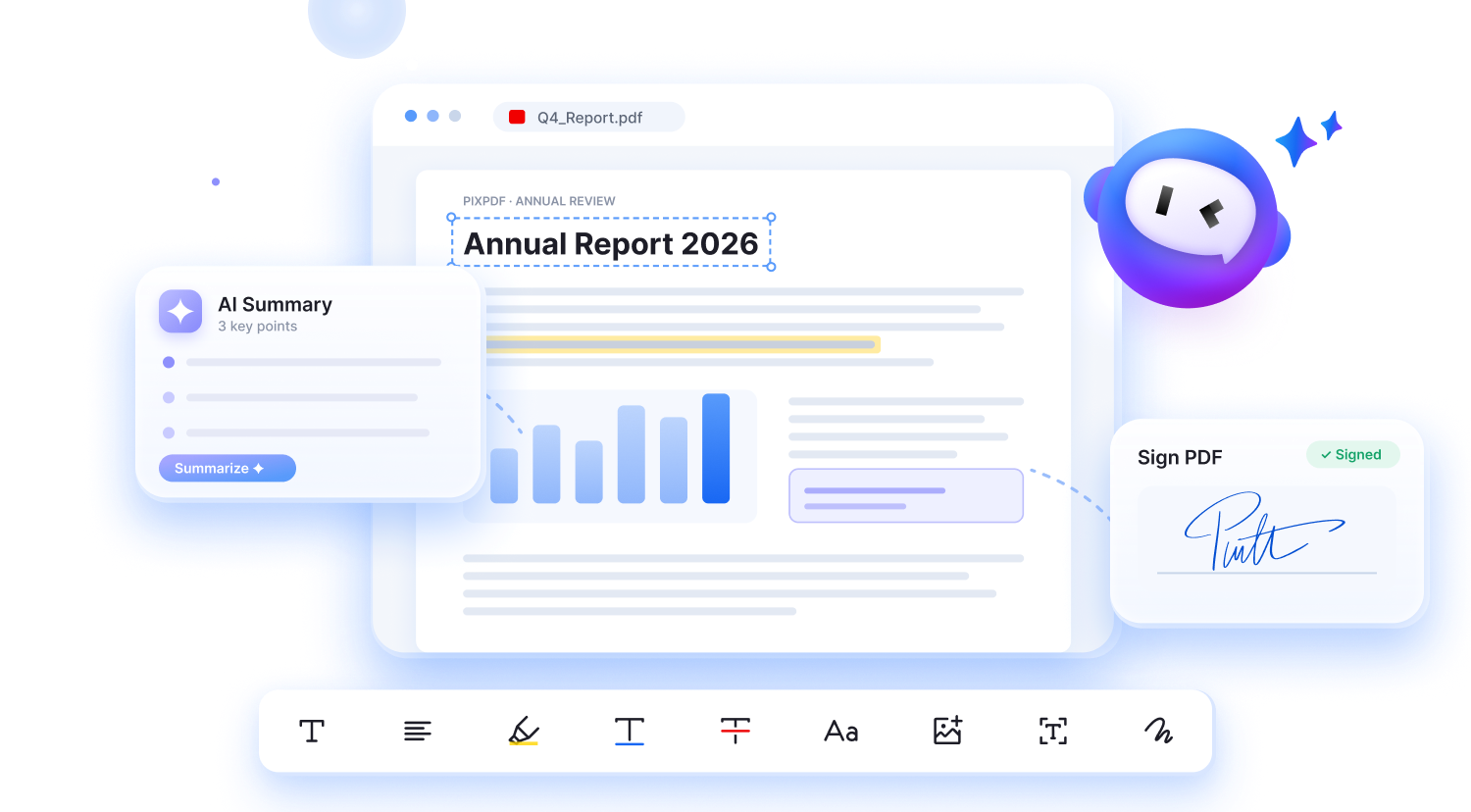
What Are You Waiting For?
Join 1.13M+ users worldwide making everyday PDF tasks easier and staying productive with PixPDF.
What Are You Waiting For?
Join 1.13M+ users worldwide making everyday PDF tasks easier and staying productive with PixPDF.